
OCR Web Interface
MAI-OCR
Modular API Integration (MAI)
Key capabilities
What the OCR interface delivers
Scroll to zoom into each capability
Key capabilities
Accurate Text Extraction
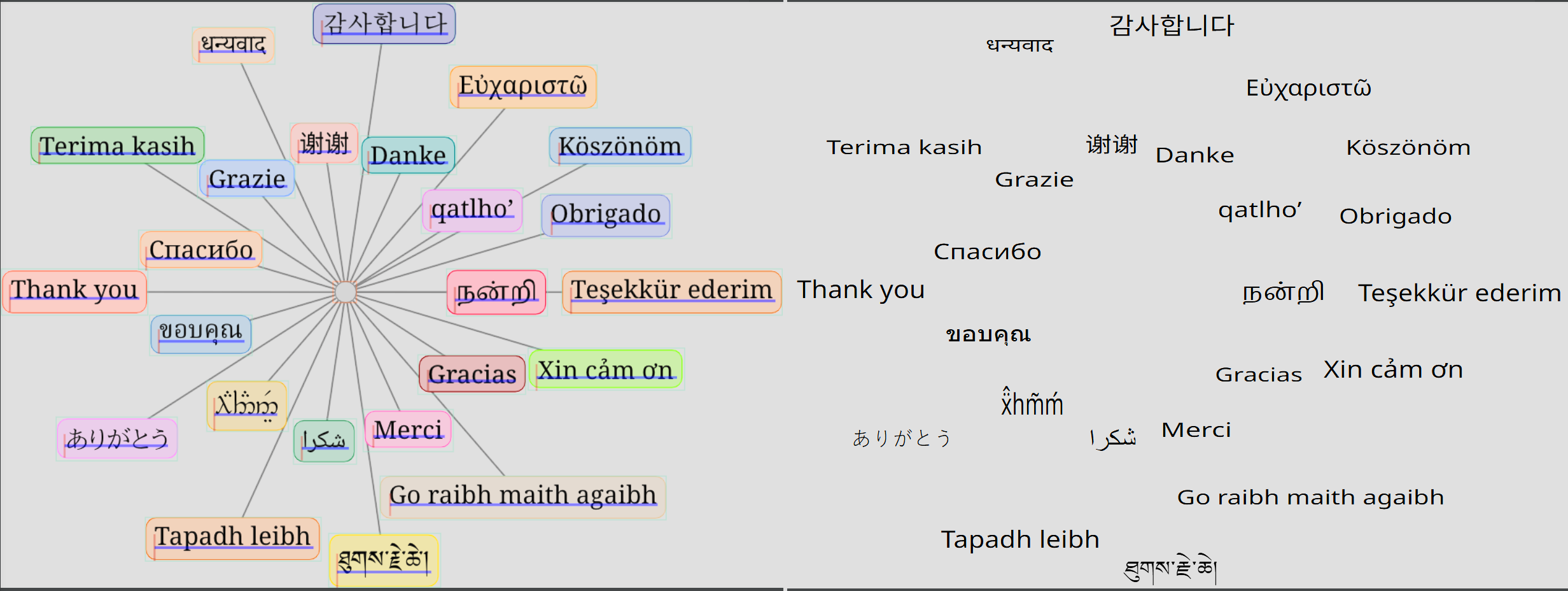
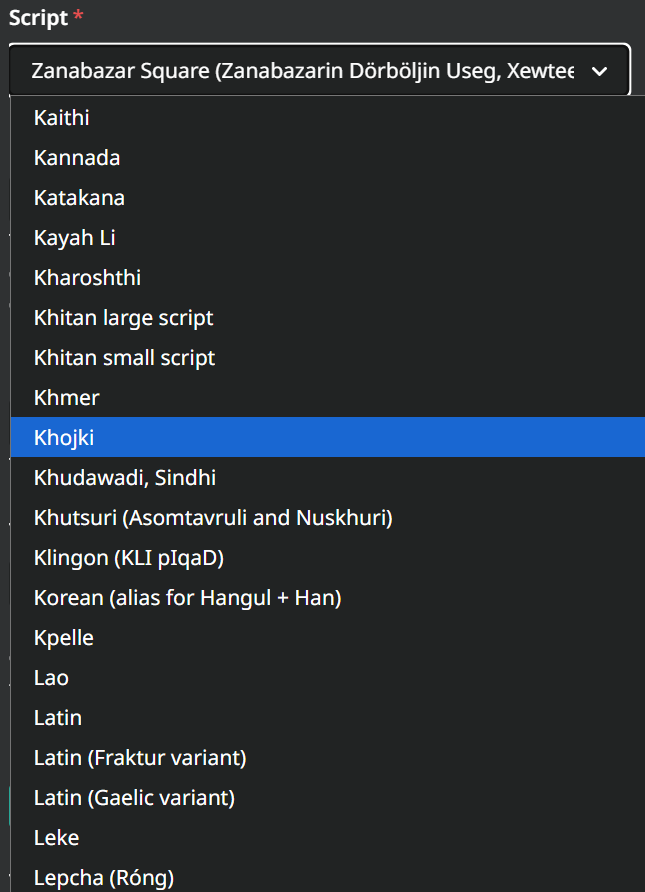
High-accuracy OCR for printed, handwritten, and mixed documents. Multi-language support (201 scripts are available).
Key capabilities
Clean Interface
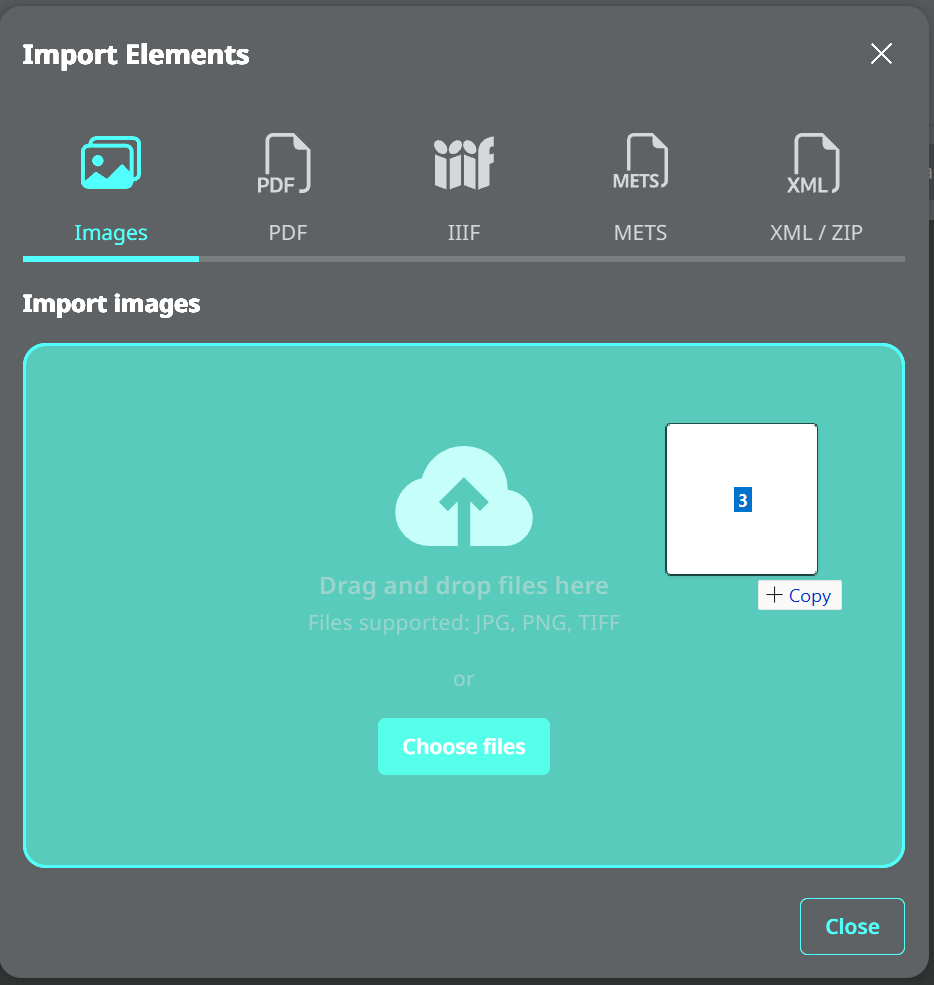
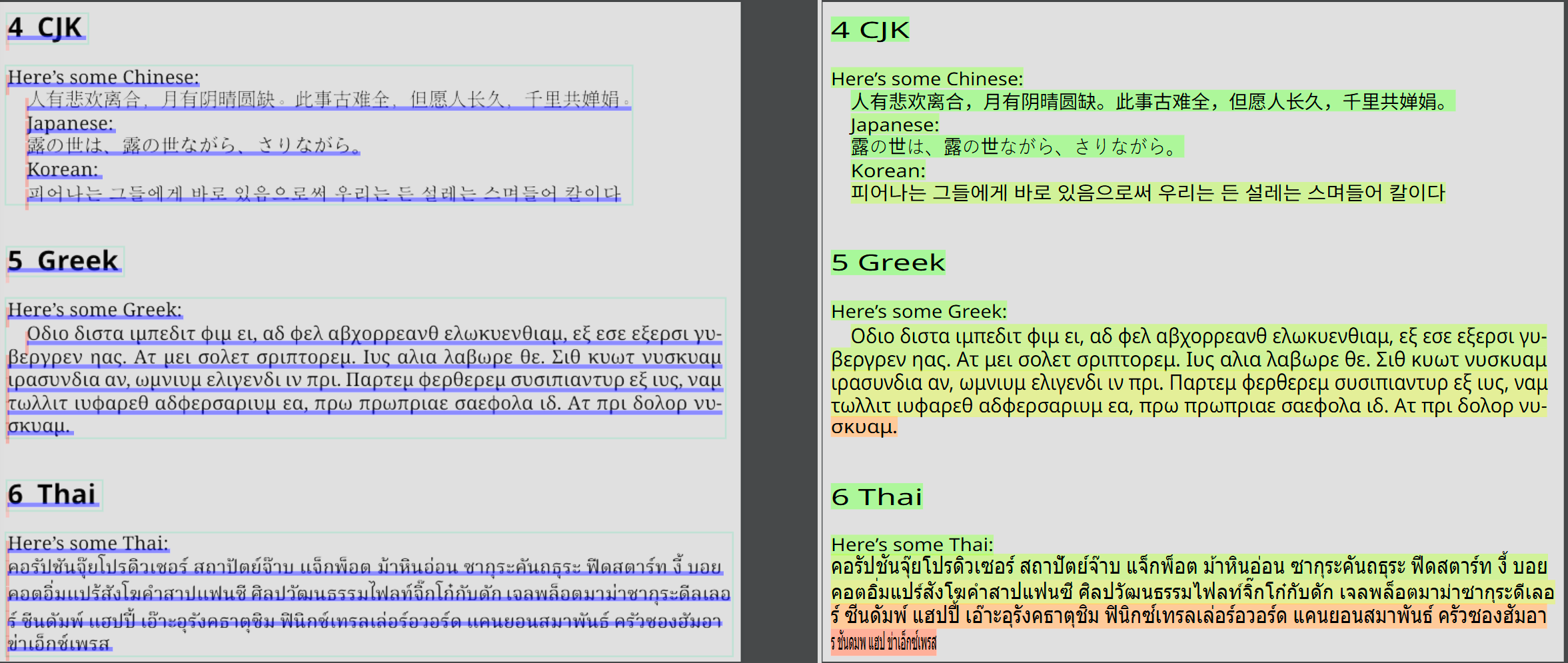
Simple upload or drag-and-drop. Live preview of recognized text with confidence highlights.
Key capabilities
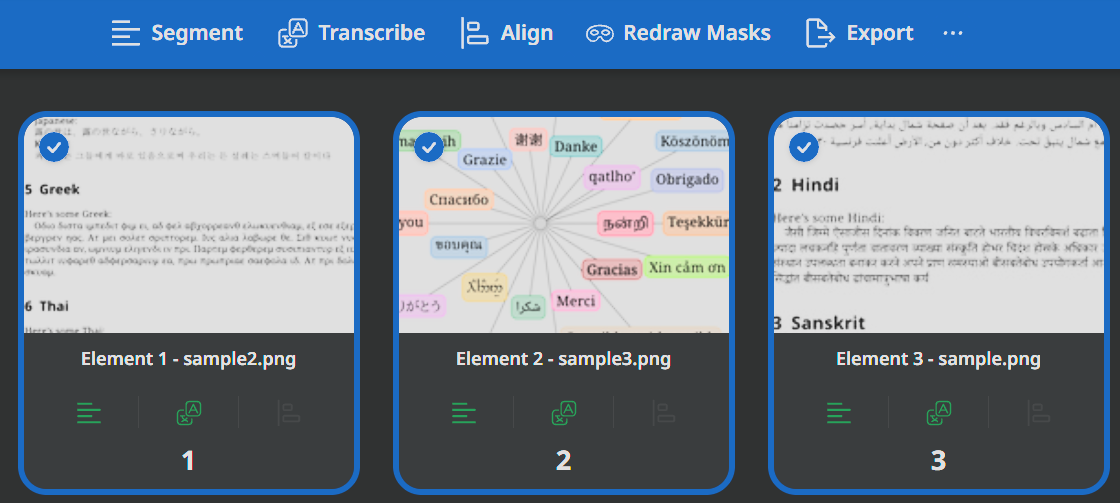
Batch Processing
Process multiple pages or files at once. Ideal for invoices, forms, and archives.
Key capabilities
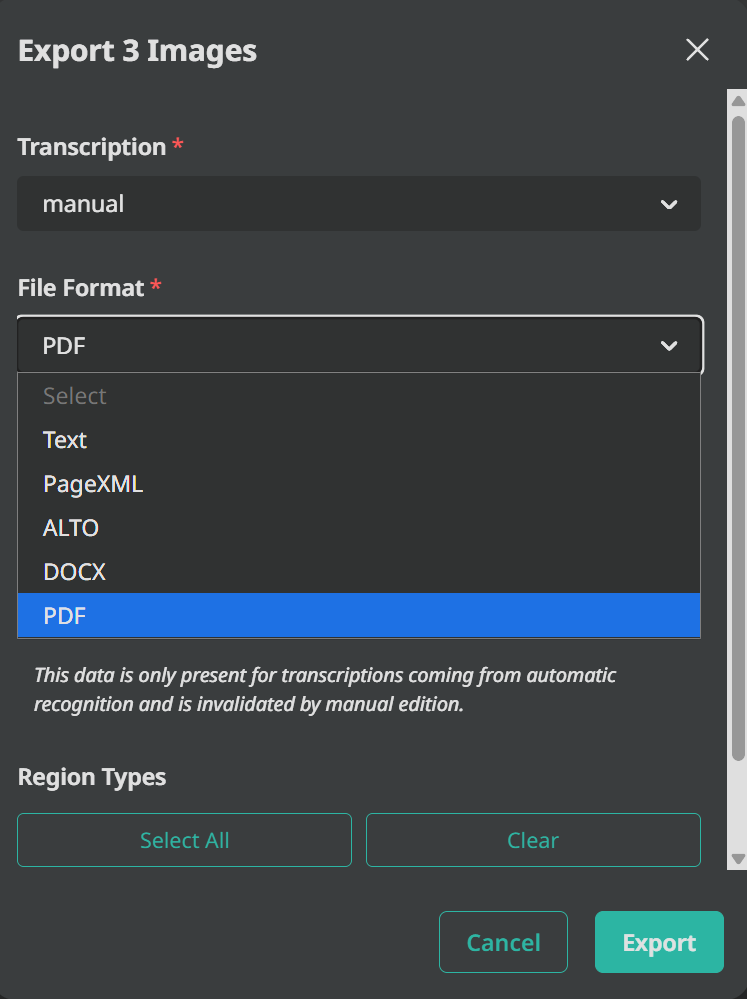
Editable Output
Correct results in-place. Export to TXT, DOCX, searchable PDF, or structured data.
Key capabilities
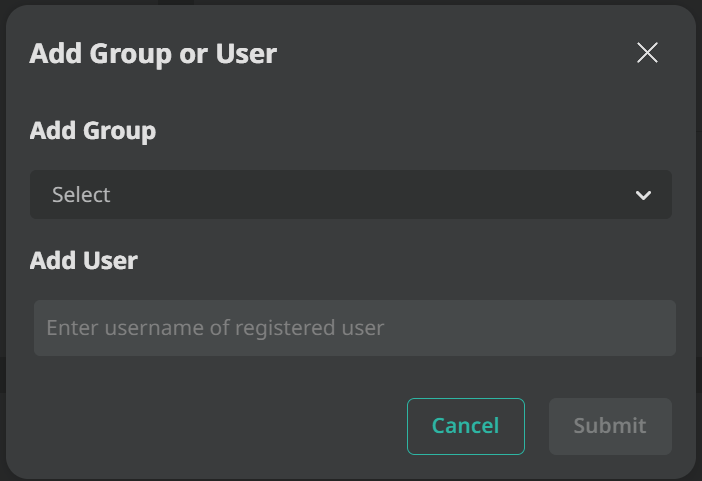
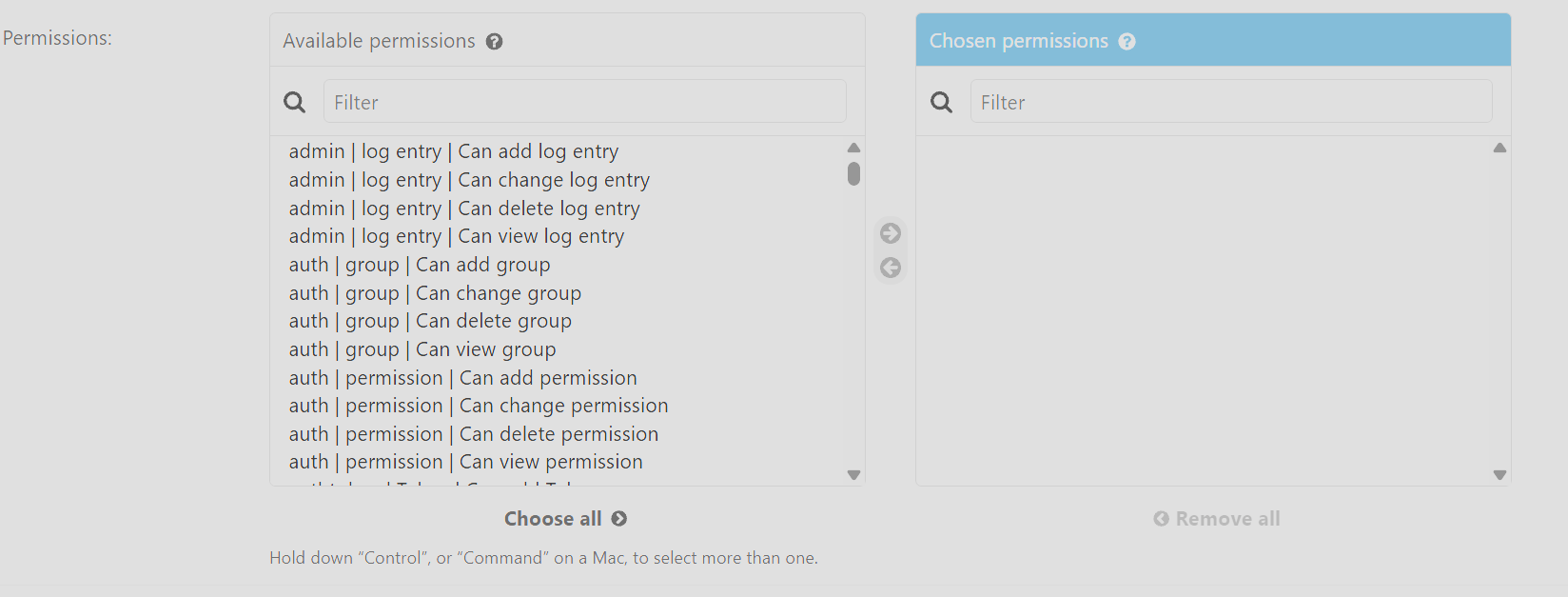
Privacy-First
Role-based access on a local server. Documents never leave your control when configured locally.
How it works
From image to usable text in four clear steps
-
01
Upload
Drop images, PDFs, or paste a screenshot.
-
02
Recognize
OCR detects text regions, languages, and layout. Confidence scores appear with the result.
-
03
Review
Compare the original with extracted text. Select any word to correct it.
-
04
Export
Copy text, download an editable file, or send results to another system through the API.
ATL OCR Project